
Flip Image Online in One Click
Mirror photos, graphics, screenshots, and product images horizontally or vertically without uploading them to a server.
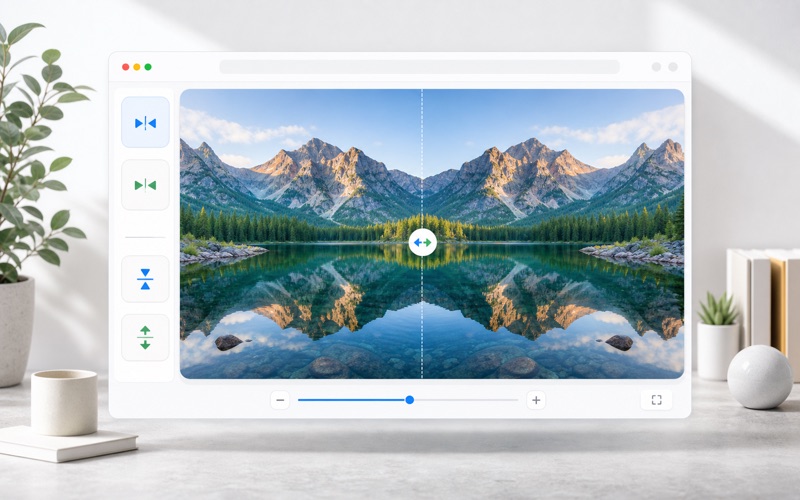
Flip
Adjust settings, preview changes, and export the finished image.
Simple Image Flip and Mirror Tools
Create mirrored images for design, ecommerce, social posts, and quick photo correction.
Horizontal Mirror
Flip left and right to create a mirrored photo instantly.
Vertical Flip
Turn an image upside down or mirror it vertically.
Combined Flip
Apply horizontal and vertical flip together for a 180-degree mirrored result.
Private Export
Process in the browser and download as PNG, JPEG, or WebP.
How It Works
Flip images online for free. Mirror a photo horizontally or vertically in your browser with instant preview and download.
Upload an Image
Choose any supported image file from your device.
Pick Flip Direction
Toggle horizontal, vertical, or both directions.
Download Mirrored Image
Preview the result and export it instantly.
Flip Image FAQ
Common questions about mirroring and flipping images.