
Faire pivoter une image à n’importe quel angle
Fix sideways photos, rotate scanned documents, or create angled compositions in your browser with quick 90-degree actions and precise angle control.
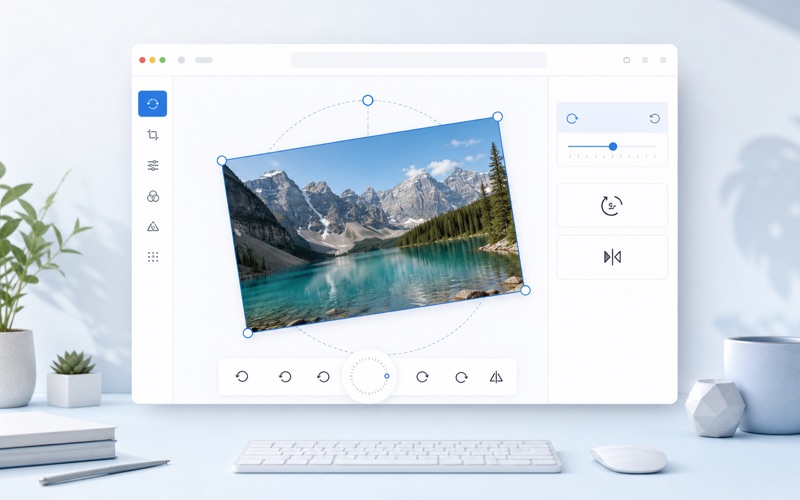
Rotation
Ajustez les réglages, prévisualisez le résultat et exportez l’image finale.
Precise Online Image Rotation
Rotate pictures quickly while keeping a clean transparent canvas and export control.
Quick 90 Degree Rotation
Rotate left, right, or 180 degrees with one click.
Precise Angle Slider
Fine-tune rotation from -180 to 180 degrees for creative layouts.
Auto Expanded Canvas
The output canvas expands so rotated corners are not cropped.
High Quality Download
Export rotated images as PNG, JPEG, or WebP.
Comment ça marche
Faites pivoter vos images en ligne gratuitement à 90 degrés, 180 degrés ou avec un angle précis.
Upload Your Image
Choose a photo, screenshot, or scanned image.
Choose Rotation
Use quick buttons or the angle slider to rotate the image.
Save the Result
Preview and download the corrected image.
Rotate Image FAQ
Answers about rotating images online.