
Junte imagens online em um arquivo Juntar imagens
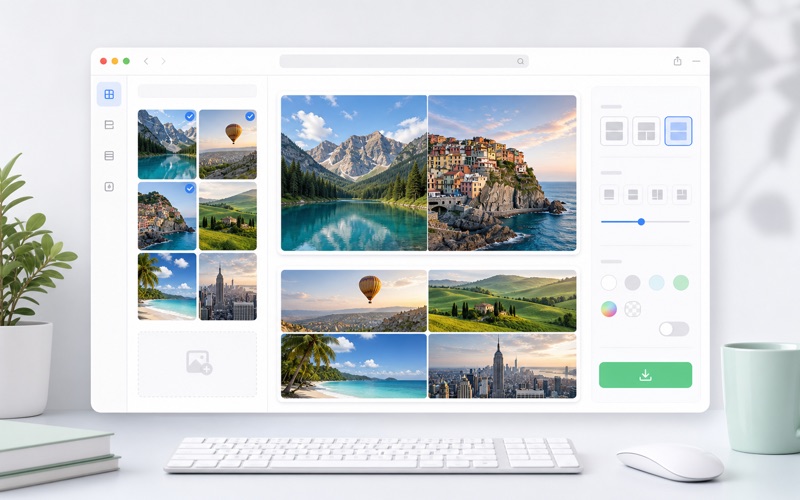
Combine multiple images into a single download. Arrange photos side by side, stack them vertically, or build a clean grid collage in your browser.
Merge
Ajuste as opções, pré-visualize o resultado e exporte a imagem final.
Flexible Online Image Merging
Create comparison images, collages, before-and-after layouts, and product sheets without design software.
Horizontal and Vertical Merge
Place images side by side or stack them into one long image.
Grid Collage Layout
Choose grid columns and create a clean image collage.
Ordering Controls
Move images up or down before merging to get the exact sequence.
Spacing and Background
Control gaps and background color for polished merged images.
Como funciona
Junte imagens online grátis em horizontal, vertical ou grade com espaçamento, cor de fundo e exportação.
Upload Multiple Images
Select or drag several JPG, PNG, or WebP files.
Choose a Layout
Pick horizontal, vertical, or grid layout, then adjust spacing and background.
Download One Image
Export the merged result as PNG, JPEG, or WebP.
Merge Images FAQ
Common questions about combining images online.