
Desenfoca una imagen online con vista previa Desenfocar imagen
Upload a photo and add smooth blur directly in your browser. Create privacy masks, soft backgrounds, and depth-of-field effects without installing software.
Blur
Ajusta los controles, previsualiza el resultado y exporta la imagen final.
Fast Online Image Blur Features
Use simple blur controls for privacy, background softening, thumbnails, and creative image effects.
Adjustable Blur Radius
Control blur strength from a light softening effect to a strong privacy blur.
Private Browser Editing
Your image is processed locally in the browser and does not need to be uploaded to a server.
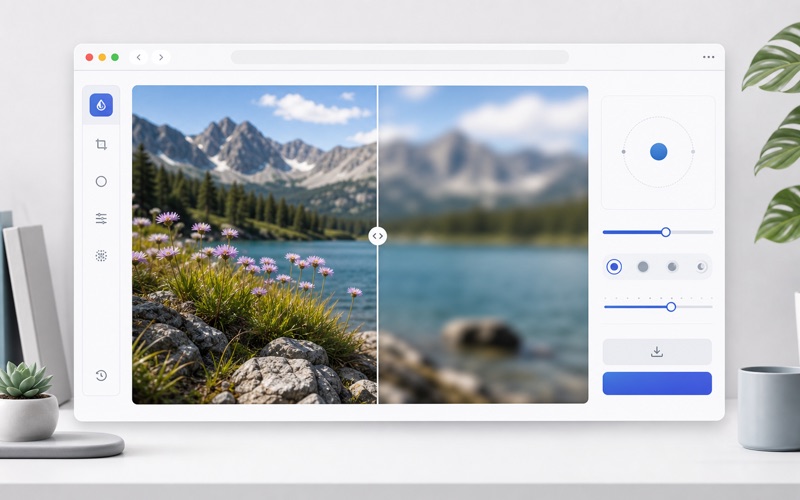
Before and After Preview
Compare the original and blurred result with an interactive preview slider.
Flexible Export
Download the blurred image as PNG, JPEG, or WebP with quality and size controls.
Cómo funciona
Desenfoca imágenes online gratis con vista previa, blur de privacidad, fondo suave y exportación PNG, JPEG o WebP.
Upload an Image
Choose a JPG, PNG, or WebP image from your device.
Set Blur Strength
Use presets or the blur radius slider to get the exact softening you want.
Download the Result
Export the finished blurred image in your preferred format.
Blur Image FAQ
Common questions about blurring images online.